<< on Mac I get only 240hz which feels quite choppy. >.
The threshold of human visual perception is about 1/6 second, or about 16 Hz. The difference between 240 Hz and 280 Hz is extremely unlikely to produce effects that could be referred to as "quite choppy".
if you are indeed finding it that way, something else, not screen refresh rates, is likely causing that choppiness.
Consider downloading and running this little "discovery" utility, Etrecheck. It changes NOTHING. Etrecheck was developed by a senior contributor here, and uses mostly system calls and simple tests to collect often-needed information.
it contains little tests for speeds of devices, CPU utilization, memory usage, energy usage and a digest of recent problems, in one easy to use package. it does not even need to be Installed. Because less can be learned when your Mac is running great, best time to run is when your problems are actually occurring, if possible.
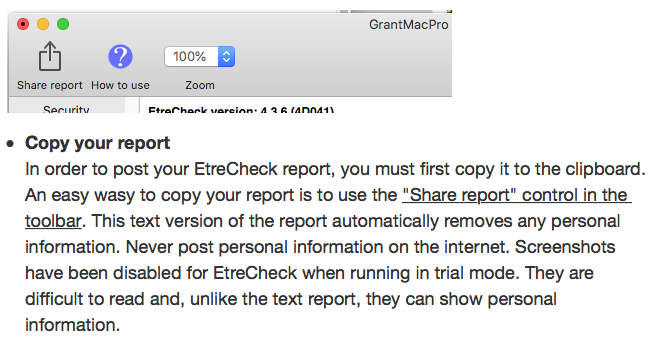
if you follow the directions faithfully, its report (pre-laundered of all personally-identifiable information) can be "Shared" to the System ClipBoard, then Pasted into an ‘Additional Text’ window in a reply on the forums.
Use Etrecheck Pro for free:
http://Etrecheck.com
The amount of data you get can be daunting. If you POST your report, some Readers here are willing to look over those reports, and can provide valuable insights.
Then start a reply on the forums, click the "additional text" icon in the footer, and PASTE