Mac mini "System Data" is consuming 150GB of storage, how do I fix it?

I just bought a M4 Mac mini last week, and the storage is already full, but I’m only using around 10GB of apps, docs, etc. But my for some reason. Most guides say to delete cache files, but that won't work. What do I do?


NOTE: I am running Time Machine backups to an in-home server.


[Edited by Moderator]

Posted on Aug 12, 2025 8:54 AM

Reply
7 replies

Aug 12, 2025 9:00 AM in response to madebydanny_uk

To reduce macOS's 'System Data' storage, you can delete local Time Machine snapshots by disabling and re-enabling Time Machine, which removes those backups.


Clearing application caches and logs, as well as removing old iOS device backups, can also free up space.


Additionally, uninstalling unused applications and emptying the Trash will help reclaim storage.


Good luck! 👋🏼😉

Aug 13, 2025 4:49 AM in response to madebydanny_uk

First before anything else, determine what is doing the writing.


  1. Open Utilities->ActivityMonitor
  2. In the View menu click "All Processes
  3. Select "Disk" in the window.
  4. Click the "Bytes Written" column to sort with the largest first


Take a screen shot and post the results here. This will show us exactly what is doing all the disk writes and lead to possible solutions.


Blindly deleting items/disabling items without knowing the root cause is not a good idea and can often lead in the wrong direction.


Also, System Data can be a catch all for things that don't fit nicely into the other categories and not even related to the system which is why getting the disk writes can lead to a more definitive solution.

Aug 12, 2025 4:39 PM in response to madebydanny_uk

Open TM pane and remove drive using the "-" symbol at the bottom. Also you can choose options and turn off backup automatically and that should work. Then you can add it back later or set to auto backup. However, if after disabling TM and your system data has not changed go to disk utilities and check the volume for the snapshots. You can delete from there. If no impact and you have cleaned up other non needed files and apps then the only course left is to start (erase drive and reinstall using migration assistant.)

Aug 14, 2025 5:02 AM in response to Old Toad

FWIW Old Toad, are systems and use are likely very different but I only currently have 34.5GB of System Data and I do have Time Machine enabled.


Then again, I do keep a very lean boot system and keep as much data as possible on external storage. My current boot volume is only using 160GB. But, I do have terabytes of data on external drives.


With that said, if the OP has as little on his system as he claims, then a list of the disk writes from Activity Monitor could show a runaway process. I have currently seen some of that with some experiments I have been doing on my old laptop.

Aug 15, 2025 10:17 AM in response to woodmeister50

I have 116.22 GB of System Data and 20.51 GB of macOS files. Are you sire it's System Data that is only 34.5 GB?
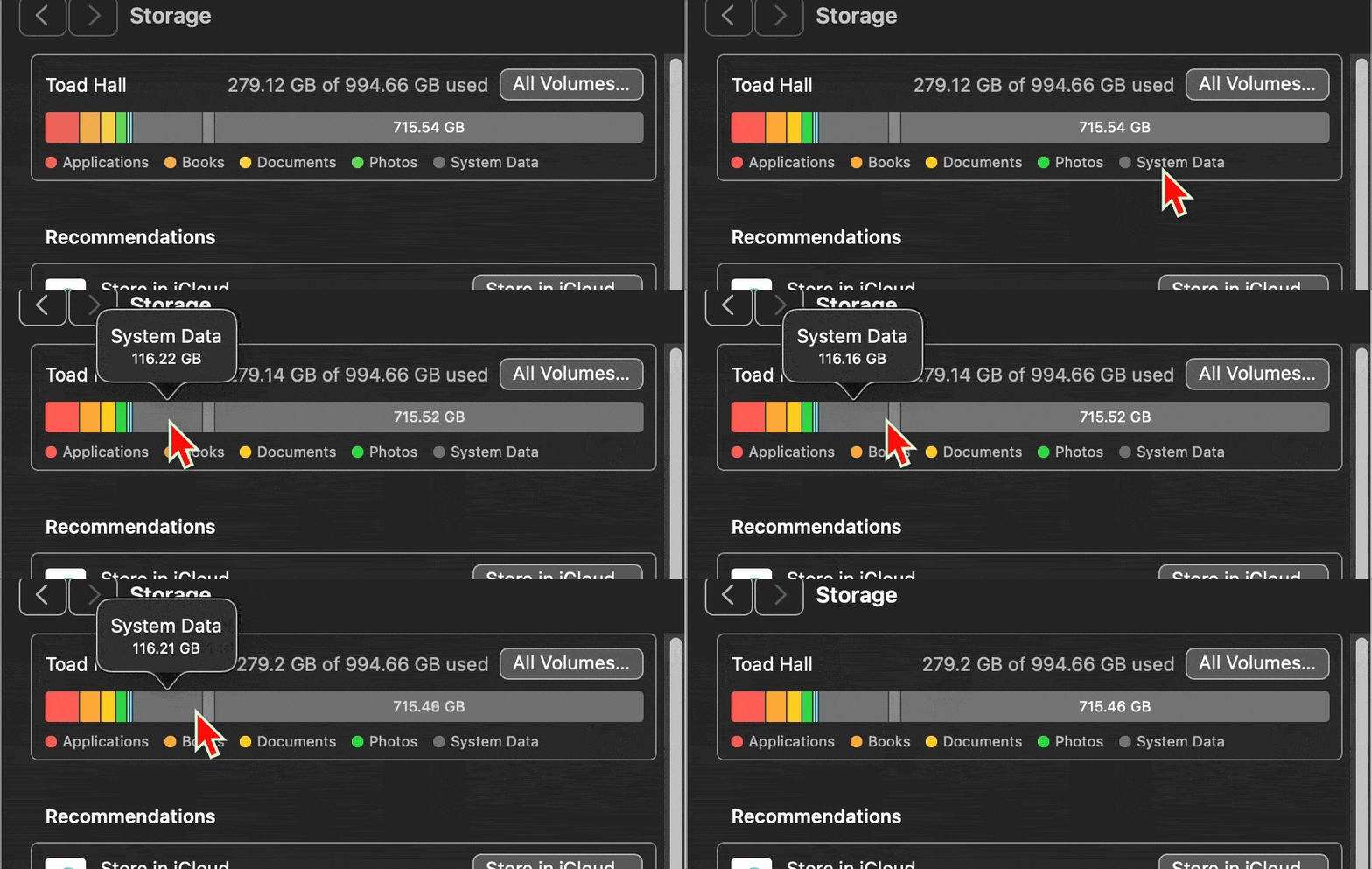


System Data use to be called "Other Category" in previous systems and would include the following:


• System temporary files

• macOS system folders

• Archives and disk images (.zip, .iso, etc. - often found in the Downloads folder)

• Personal user data

• Files from the user’s library (Application Support, iCloud files, screensavers, etc.)

• Cache files: browser, Mail

• Mail messages & attachments

• Fonts, plugins, extensions

• Safari reading list

• iTunes backups

• Crud resulting from jailbreaking your iDevice

• Game data

• Saved data files

• Call history

• Notes

• Media

• Voice memos

• Other files that are not recognized by a Spotlight search

• Media files that cannot be classified by Spotlight as a media file because they are located inside of a package

• Files created and modified by other user accounts on your Mac.


They can be located anywhere on your hard drive.



This thread has been closed by the system or the community team. You may vote for any posts you find helpful, or search the Community for additional answers.

Mac mini "System Data" is consuming 150GB of storage, how do I fix it?

Welcome to Apple Support Community
A forum where Apple customers help each other with their products. Get started with your Apple Account.