SoCalMtnBiker wrote:
Thanks again. How do you know "the variable “URL” in the “Get Content of URL” action is undefined?"
The variable URL is red, which means it does not refer to the URL action in the 1st screenshot:

The action "Get Contents of URL" can take either a variable (from the URL action, as in my example above) or a string-defined value, as shown below. In both cases, the URL has to be in a proper form/syntax as per HTTP and the website:
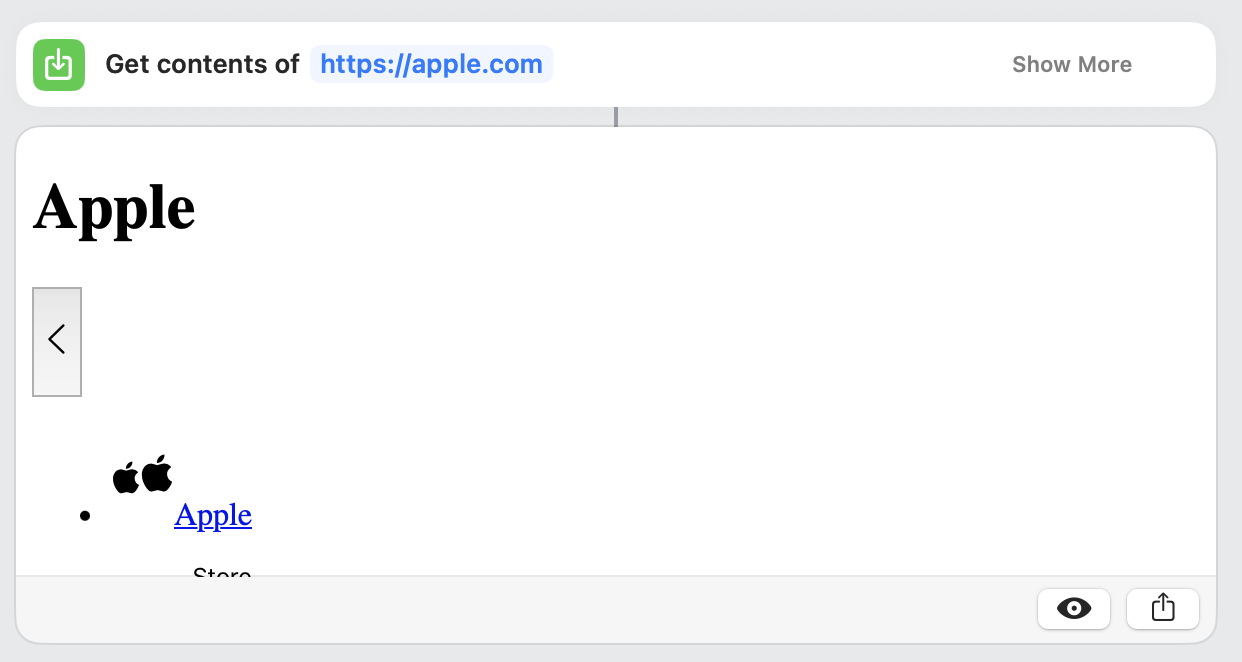
Note that "Get Contents of URL" is to return the content of the web page (as "data"), i.e. nothing is displayed in Safari. You have to then further process the resulting data to extract things of value to you. This can be cumbersome but, in some instance, easy if for instance the website returns only pure data (often in the form of json data.)
There are several websites that can help you with understanding Shortcuts, this one from Apple for instance: Intro to Shortcuts on Mac - Apple Support. But do not be fooled: it takes practice and trial and error to get a shortcut to work as desired. The learning slope is rather steep. I found that the best way to learn is through examples.
Please do send me your shortcut. I'll take a look at it and make suggestions. You can share a shortcut through iCloud. On the Mac for instance, right-click your shortcut, choose Share > Copy iCloud Link, validate by clicking the Share button. This will put the iCloud link in the clipboard. Paste the link to your reply here so that I can download it.
Could you also share how you intend to use the shortcut? I'm gathering from the link that the website gets some kind of weather data. Do you need to process the data (extracting some specific information, for instance)? Do you need to display the data somewhere? Do you need to save it?
Don't hesitate to post a screenshot of the actual content of the webpage as displayed in Safari when you normally use Safari to view the data (mask any personal information). This will give me an idea of what the data looks like.

