Hi,
To cover the bases, the technique is to drag the jingle to the audio well (below the video timeline) and hold it there for 2-3 seconds until it pops in.
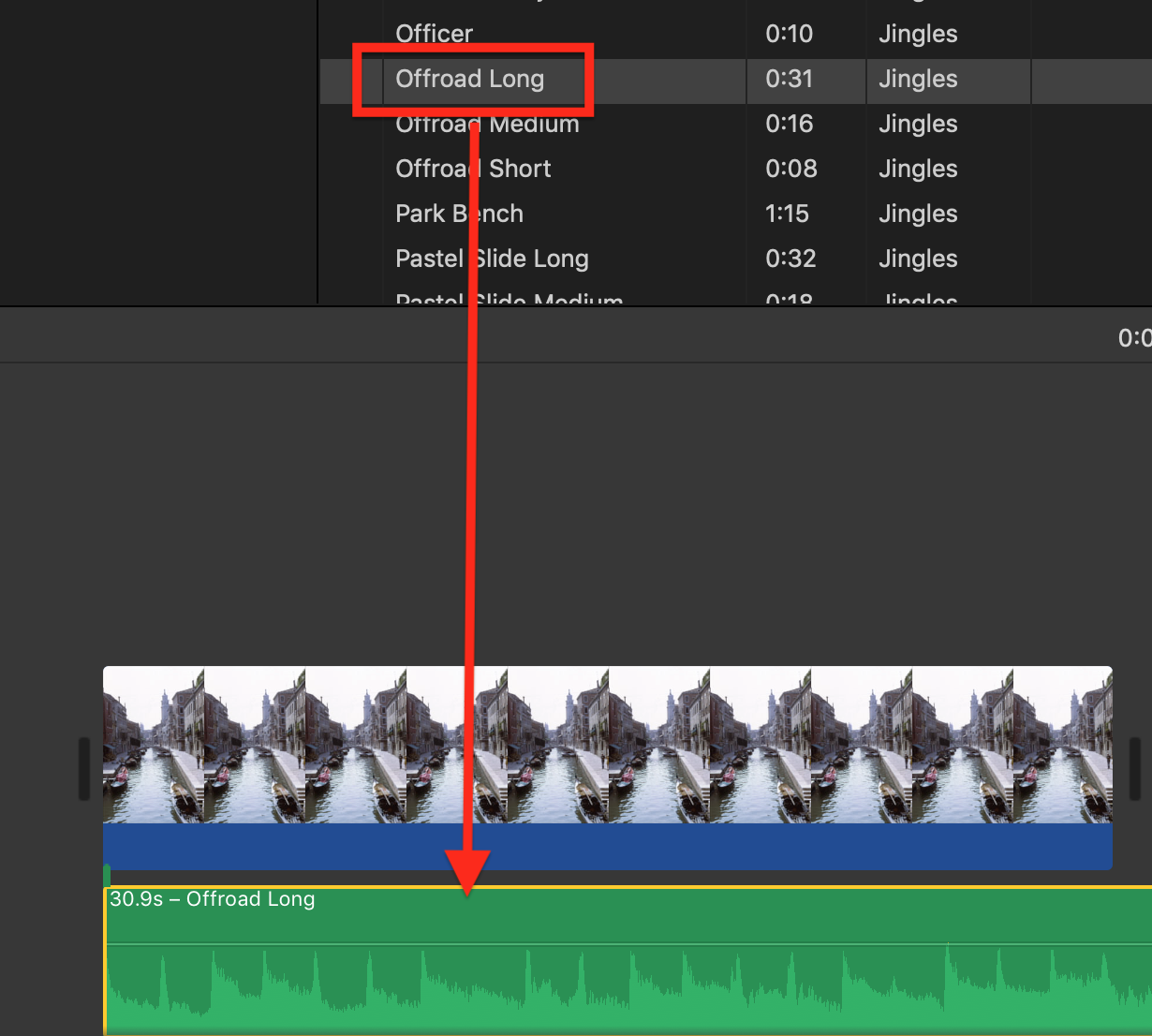
If it still won't drag in, possibly there is a corrupt or missing iMovie preference. To reset/delete preferences open iMovie while holding down the Option and Command keys and select to delete preferences in the box that appears. iMovie will open in a new empty library. Reopen your old library to get back to your projects. Now try to drag in the jingle. Possibly you may need to reboot to set the changes. Deleting preferences is a safe procedure that will not cause data loss or disruption to your project.
Also, you can try creating a new project and see if you can drag in the jingle there. Sometimes glitches develop that are confined to one project and will not appear in others.
-- Rich

