
My device has this across the screen: support.apple.com/phone/restore
i cant get my phone to open it has this across the top of the screen: support.apple.com/phone/restore
iPhone 13 Pro Max, iOS 16
i cant get my phone to open it has this across the top of the screen: support.apple.com/phone/restore
iPhone 13 Pro Max, iOS 16
Follow this process below to keep your personal data.
If you see the Restore screen on your iPhone, iPad, or iPod touch
If you see the Restore screen on your iPhone, iPad, or iPod touch, learn what to do.

Restart your device
If you see the Restore screen, restart your device:
Reinstall iOS or iPadOS
If you still see the Restore screen after you restart, you need to reinstall iOS or iPadOS:
If the above fails
If your device turns on but gets stuck during start-up
If you see the Apple logo or a red or blue screen during startup, try these steps:
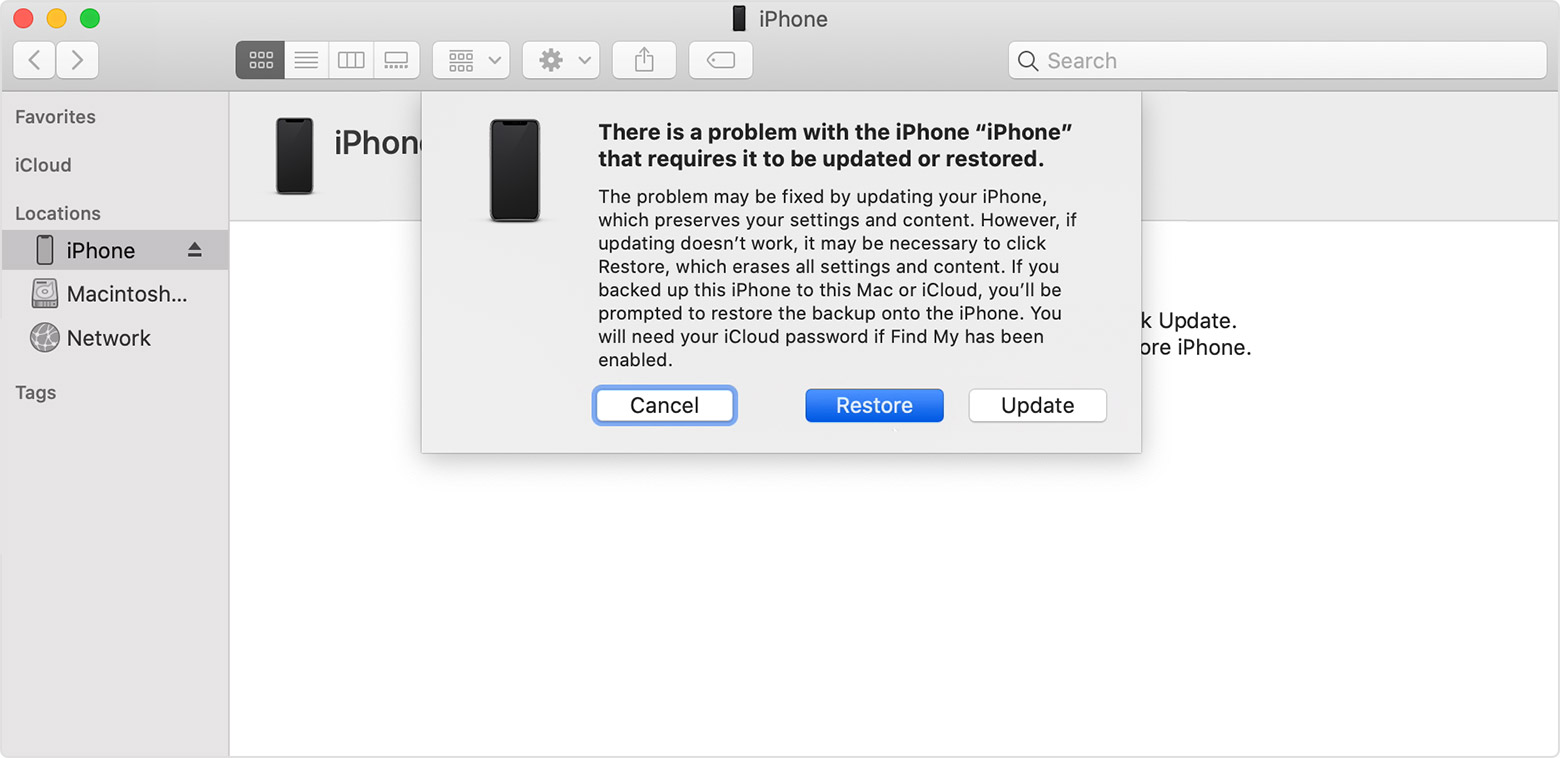
Your computer will download the software for your device. If it takes more than 15 minutes, your device will exit recovery mode and you'll need to repeat steps 2 and 3.

If you need more help
Contact Apple Support to set up service if you have any of these issues:
Follow this process below to keep your personal data.
If you see the Restore screen on your iPhone, iPad, or iPod touch
If you see the Restore screen on your iPhone, iPad, or iPod touch, learn what to do.
Restart your device
If you see the Restore screen, restart your device:
Reinstall iOS or iPadOS
If you still see the Restore screen after you restart, you need to reinstall iOS or iPadOS:
If the above fails
If your device turns on but gets stuck during start-up
If you see the Apple logo or a red or blue screen during startup, try these steps:
Your computer will download the software for your device. If it takes more than 15 minutes, your device will exit recovery mode and you'll need to repeat steps 2 and 3.
If you need more help
Contact Apple Support to set up service if you have any of these issues:
My device has this across the screen: support.apple.com/phone/restore
