Adobe currently supports only Sonoma, Sequoia and Tahoe.
Lightroom Classic System Requirements - Adobe
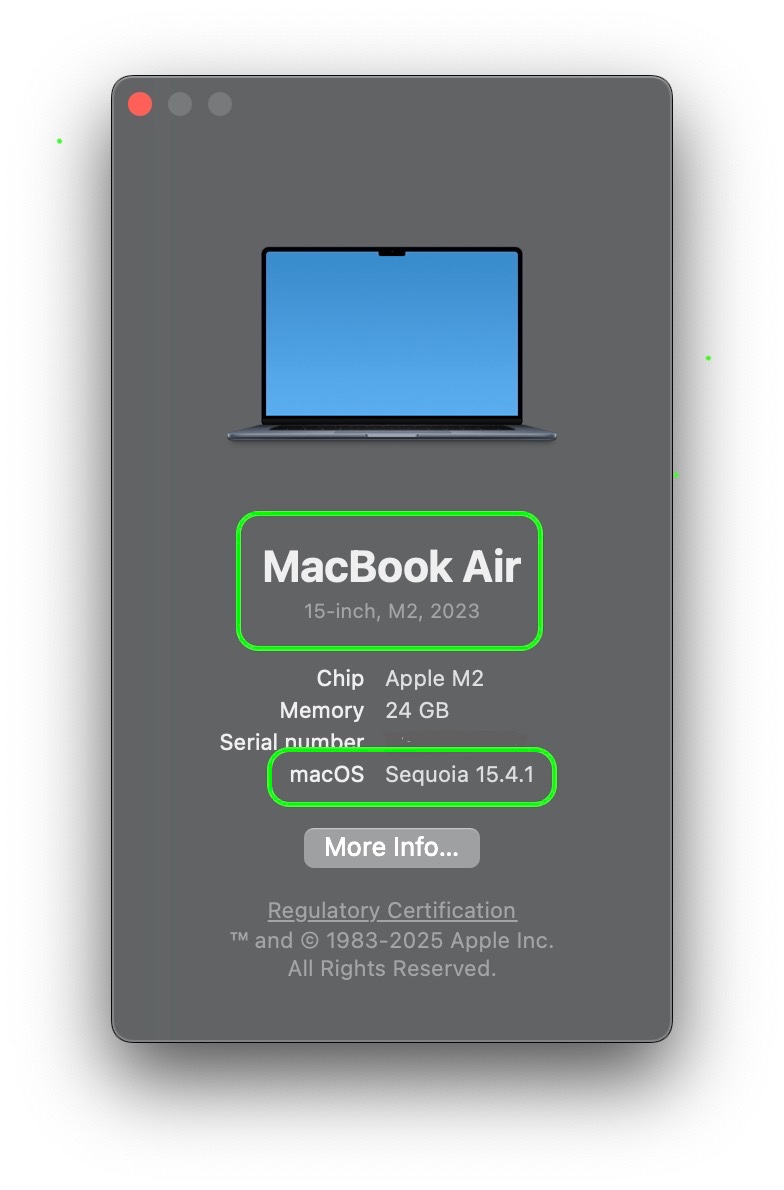
To know if you can upgrade your OS, we need to know what model and year is your Mac?
Find that info by clicking the Apple menu () > About This Mac.
To upgrade to a newe OS,
🖥 – Check compatibility of your Mac:
For details about your Mac model, click the Apple menu > About This Mac.
macOS 14 Sonoma is compatible with these computers
macOS 15 Sequoia is compatible with these computers
macOS 26 Tahoe is compatible with these computers
✅ - Click on Apple menu > System Settings… > Software Update.
If your Mac does not offer an OS upgrade in System Settings…,
download the macOS 14 Sonoma installer from the App Store
download the macOS 15 Sequoia installer from the App Store.
How to download and install macOS - Apple Support
The download will place the "Install macOS ..." app in the Applications folder. Double-click the installer to begin the upgrade process.

