Why cant I update iPhone 15 pro as usual with cable via finder & MPB ?

cant update ipone - I have an iPhone 15 pro that I back up to MPB , etc., using finder & cable. Now im trying to update iPhone to ios26 and get this:


Apple support says I cant update via cable w/ Mac unless I update MBP to iOS 26 1st.


True ?


iPhone 15 Pro, iOS 18

Posted on Dec 4, 2025 2:07 PM

Reply
Question marked as Top-ranking reply

Posted on Dec 12, 2025 7:09 PM

In doing some more reading online re: this problem, is was posted on the web that one should have in Finder preferences, CD's, DVD's, and iOS Devices option checked - which I did - on my Mac and my wife's. So I unchecked the option re-started Finder and checked the option and still nothing - same issue - update not recognized. So leaving the option checked, I then unchecked Bonjour Devices ( which im not sure why it was checked to begin with). I restarted Finder and tried the update via USB again and it worked. So doing one or both of these tasks fixed the not being able to recognize updates issue....


33 replies

Dec 12, 2025 12:02 PM in response to leroydouglas


hmm , on my iPhone 15 pro - 26.1 to 26.2 is almost 8GB. where are you getting your update from ?
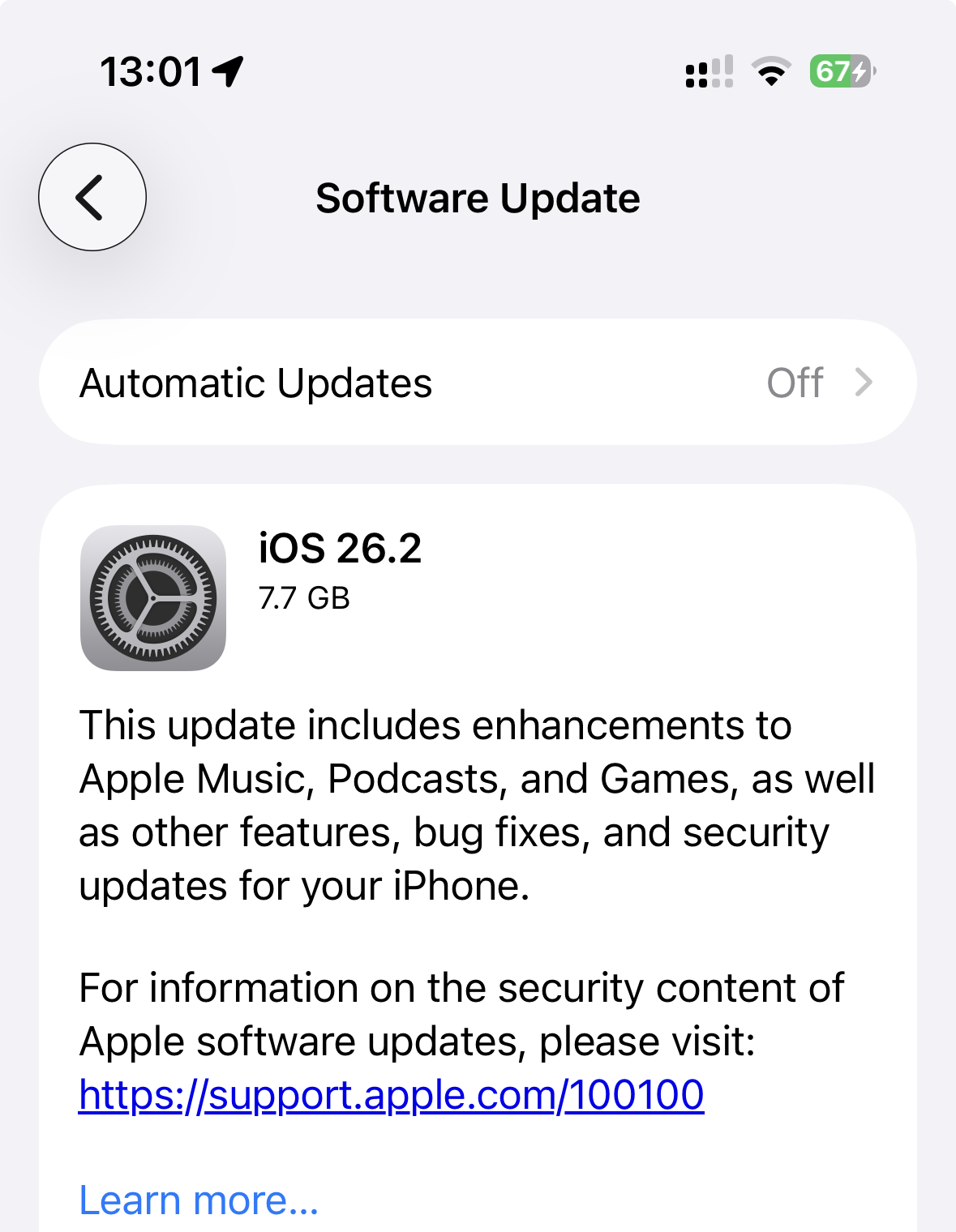


So I also tried finder on another MBP and got the same error as before. I also tried booting in safe mode then went into iPhone recovery mode and restored iPhone software and tried again. still no good.


Im wondering if has something to do with apple CDN???


Ive submitted feedback and called apple and talked to senior advisor. No issues like mine reported and she had never seen this before. As for submitting a ticket to engineering - with only 1 issue out of billions of users im not holding my breath there. Ive NEVER gotten a call back from apple re: any ticket ive ever submitted to engineering.


Im hoping maybe someone here will know the answer.



Why cant I update iPhone 15 pro as usual with cable via finder & MPB ?

Welcome to Apple Support Community
A forum where Apple customers help each other with their products. Get started with your Apple Account.

