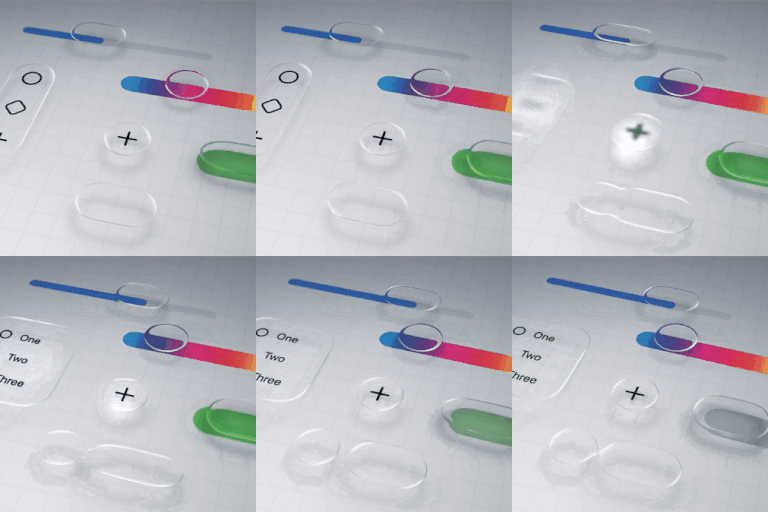
How to disable liquid glass in iOS 26?
Is there a way to completely disable the liquid glass functionality on iOS 26? I'm not going to get into a lengthy diatribe over why it's awful, I just want it gone.
iPhone 13 Pro Max, iOS 18
Is there a way to completely disable the liquid glass functionality on iOS 26? I'm not going to get into a lengthy diatribe over why it's awful, I just want it gone.
iPhone 13 Pro Max, iOS 18
Unfortunately, it’s not about liking or disliking; it’s an accessibility issue.
Lol “idle threat”? And if you don’t care, why’d you reply?
It seems Apple’s putting what they want NOT what we want on these phones after all we are the ones buying the phones. I hope apple developers REMOVE that bs glass. Most of us hate it.
Thanks for that. I still hate it. Looks like a cheap fake phone. Will try to go back to iso 18
Chilll wrote:
It seems Apple’s putting what they want NOT what we want on these phones
That has always been the Apple way. I'm not sure why it comes as a surprise.
Oh, was iOS 18.7 a security-only update?
I really hope they will introduce a switcher eventually. My vision is not that good, I barely can use cellphone right now.
I’m a computer user since DOS and Windows 3. I believe in K.I.S.S. and “ If it ain’t broke don’t fix “
Thank you, I just didn’t mention it because it’s been said so many times here.
well they need to create a disable button. Reminds me how much I hated Aqua. It's like a 2025 version of Aqua but uglier and now we get to see it on all our devices.
I saw the IOS 18.7 and I ignored it and went for the 26. Honestly I saw something on the internet that there’s option to switch from Liquid Glass to Solid Color. 😢
The new iOS puts lines and bubbles around everything . Its appalling
I use dark mode now there are white lines around everything…
A security update should not affect the appearance of the phone. The white lines and white bubbles around everything are appalling. Especially in dark mode.
iOS26
How to disable liquid glass in iOS 26?